I notice the progress bar before the next move, and that is a design choice with consequences. A screen can tell me where I am while still leaving the next action murky.
A useful hierarchy appears later
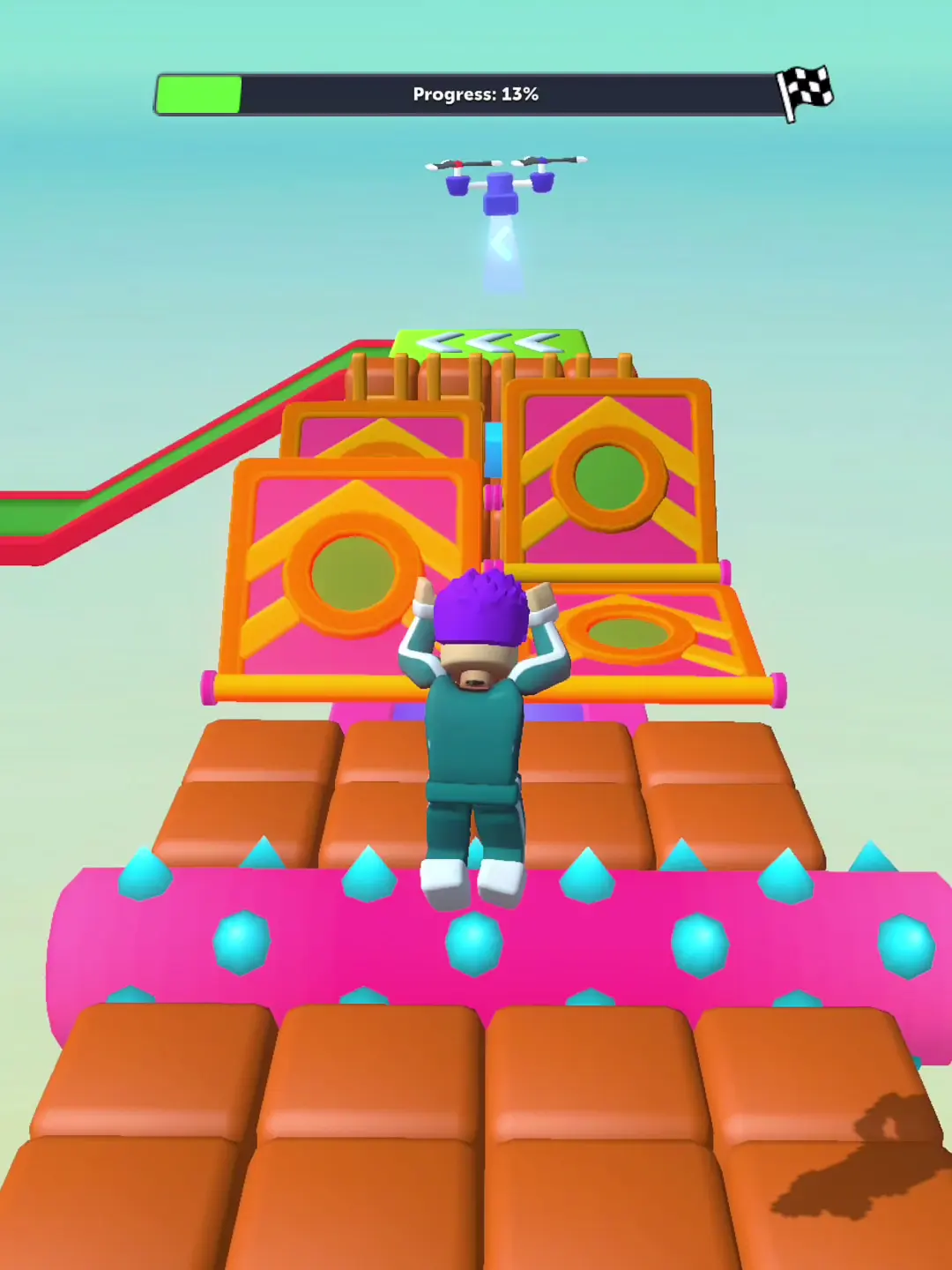
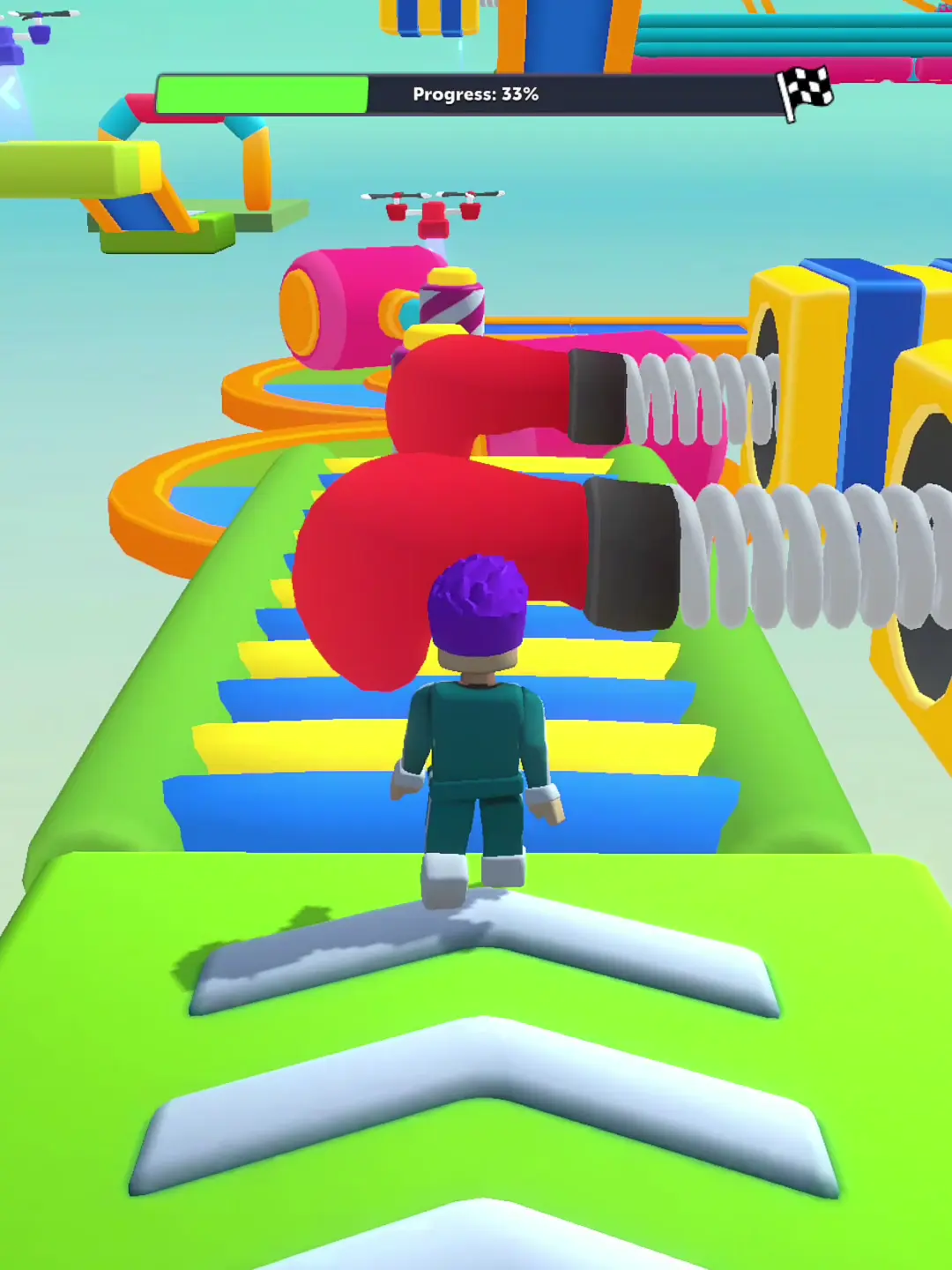
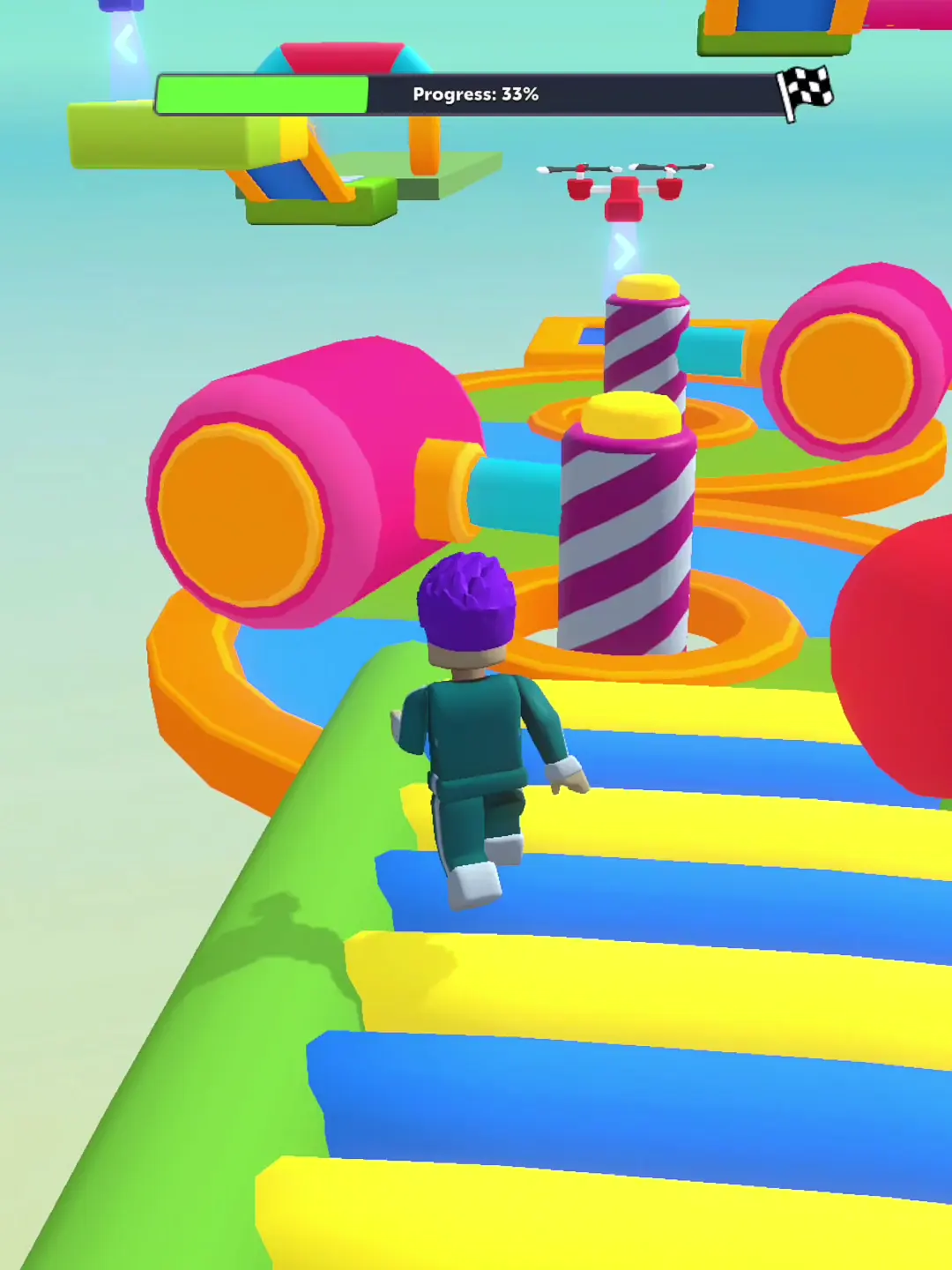
The later course puts a progress bar across the top with a checkered finish marker. The player avatar sits centrally, and large platform edges define the immediate path. In some sampled frames a prominent “Jump” control appears on the right. These elements create a sensible order: where the run stands, where the avatar is, and what action may be available.
The weak point is instruction, not decoration
Large, high-contrast objects are easy to locate. What remains less clear is the rule attached to them. The footage does not provide a persistent legend for the progress meter, speed gain, hazard timing, or the visible jump control. A control prompt can be visually prominent yet still leave a new player unsure whether jumping is optional, required only at marked gaps, or sensitive to timing. This is an inference from what the sampled screens do not explain, not proof that no tutorial exists.
Modals compete with the playfield
The opening restart panel fills a large portion of one captured view, and the victory screen places claim choices across the lower part of the portrait frame. These are appropriate moments for decisions, but the recording offers little context on dismissal, return-to-course behavior, or whether a rewarded option is required. Touch-target comfort cannot be judged from a compressed video: we would need the original device dimensions and direct interaction.
Design verdict
The later HUD is clearer than the opening course's sparse presentation, especially because the finish flag anchors the meter. A short explanation of progress and jump rules could make the visual hierarchy more informative. The video does not show touch targets or a continuous input-to-outcome sequence, so touch ergonomics remain untested; that limitation does not prevent judging the visible interface.
Legibility and feedback
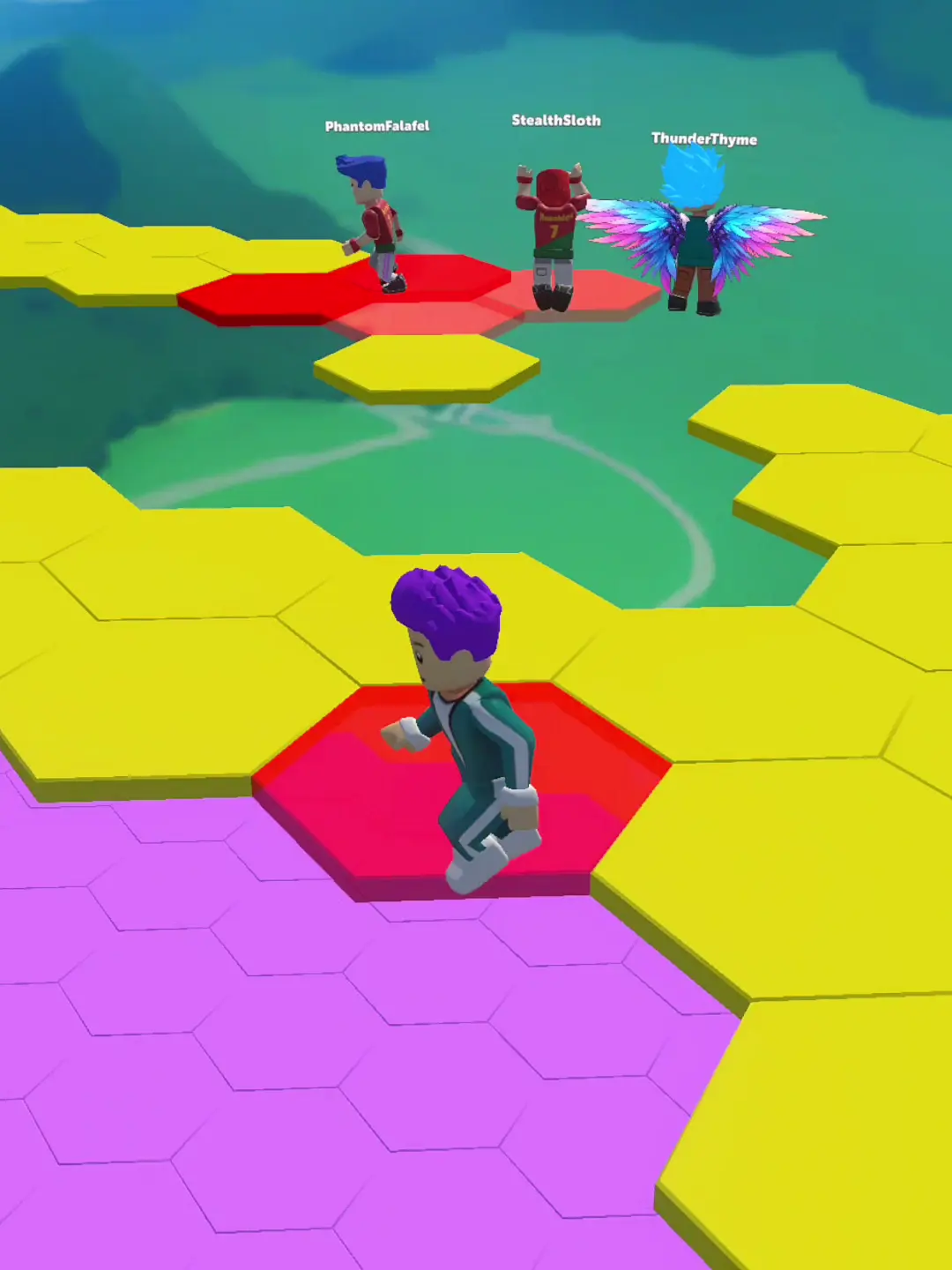
The countdown and player labels establish a starting state; a later progress meter and checkered marker make course progress easier to read. The glove, chained balls, and bright platforms are visually distinct, while the sampled restart dialog is only partly legible. The footage does not show touch response or control precision, so those remain open questions.
A good interface points to the next move
The footage makes progress and route landmarks visible, but it does not let me judge touch-target size or response. I would test this screen on a phone at normal hand distance and ask a first-time viewer to point to the next action without coaching.
What players mention
Three reviews visible on the public Google Play listing showed mixed reactions. This small sample cannot represent the wider player base.
Official Google Play page / download ↗Gameplay videos
Watch the supplied Keyboard Escape playlist.